Get the Netfly APK
Download the latest version of Netfly for Android, Smart TV, Firestick and PC. Free, safe and ready to install in minutes.

Netfly
The latest official build, fully scanned and ready to install on your device.
Netfly APK Information
How to Install Netfly on Your Device
Select your device and follow the simple step-by-step instructions.
Android Phone
- 1
Tap the Download APK button and wait for the file to finish downloading.
- 2
Open Settings and enable "Install from unknown sources" for your browser or file manager.
- 3
Open your Downloads folder and tap the Netfly APK file.
- 4
Tap Install and wait a few seconds for the process to complete.
- 5
Open Netfly and start streaming right away.
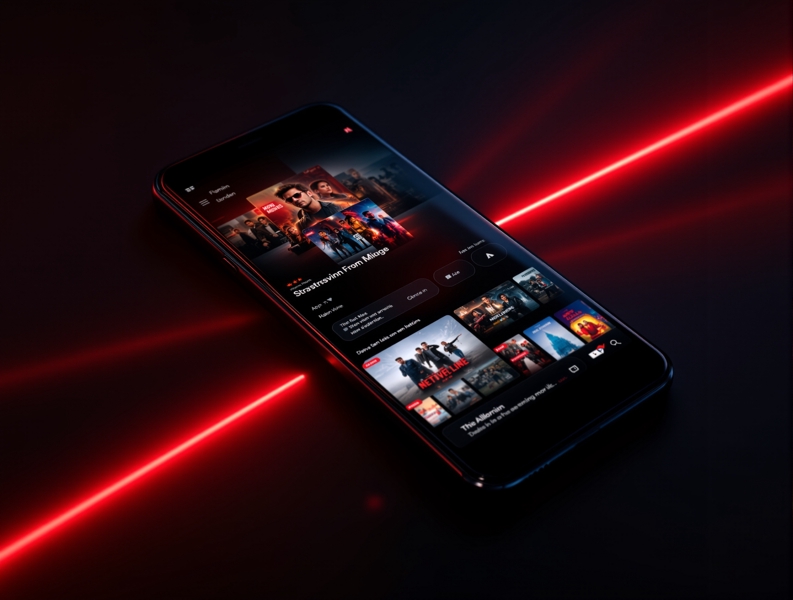
Netfly Is Loved by Millions
See what real users are saying about their Netfly experience.
Been using Netfly for months now. Super smooth 4K streaming with zero buffering on my Wi-Fi. The library is huge — I've found so many shows I couldn't find anywhere else.
Installed it on my Android TV in under 5 minutes. The interface looks and feels premium, and 4K HDR content looks incredible on my big screen.
Works flawlessly on my Firestick 4K. Setup was a breeze with Downloader. Only wish there were more subtitle options, but otherwise fantastic.
Frequently Asked Questions
Everything you need to know before downloading Netfly.
Yes. Netfly is 100% free to download and use. There are no subscription fees, no hidden charges and no paywalls — you get the full library and all features at no cost.
Absolutely. Every APK release is scanned for malware and viruses before publication, and our app never asks for unnecessary permissions. Always download from this official site to stay safe.
We release regular updates roughly every two weeks, bringing new content, performance improvements, bug fixes and support for the latest devices and Android versions.
Netfly works on Android phones and tablets (Android 7.0+), Smart TVs running Android TV or Google TV, Amazon Firestick and Fire TV (Fire OS 6+), and PC or Mac through an Android emulator.
Download the APK from our Download page, then allow installation from unknown sources on your device, open the downloaded file and tap Install. Step-by-step guides for every device are available on the Download page.
A VPN is not required, but many users choose to use one for extra privacy. Netfly works normally with or without a VPN connection.